
23 poster designs
portrait and landscape, from A4 to A0
Your figures, unchanged
found in your PDF, with their captions
Fit is measured
suggestions that fit your content on one page
No account to start
make, edit, and download the PDF for free
How to make a research poster
Five steps from your published paper to a one-page PDF at the real paper size.
Paste a PubMed, PMC, or DOI link, or the article page of the journal. You can also upload the PDF or paste the text.
Posterbuilder reads the text and finds figures and their captions in the PDF. Every figure starts as unchecked, until you have looked at it.
Start from your own text without an account, or log in with a free account and let AI draft the poster sections from your paper. You check each one against the paper.
Browse 23 designs filled with your own content. Posterbuilder measures which ones fit your text and figures on one page and suggests up to five.
Type directly on the poster, move and resize blocks, then download a one-page PDF at the real paper size, from A4 to A0. Text that does not fit stops the export with a message; it is never cut off silently.
New poster
or
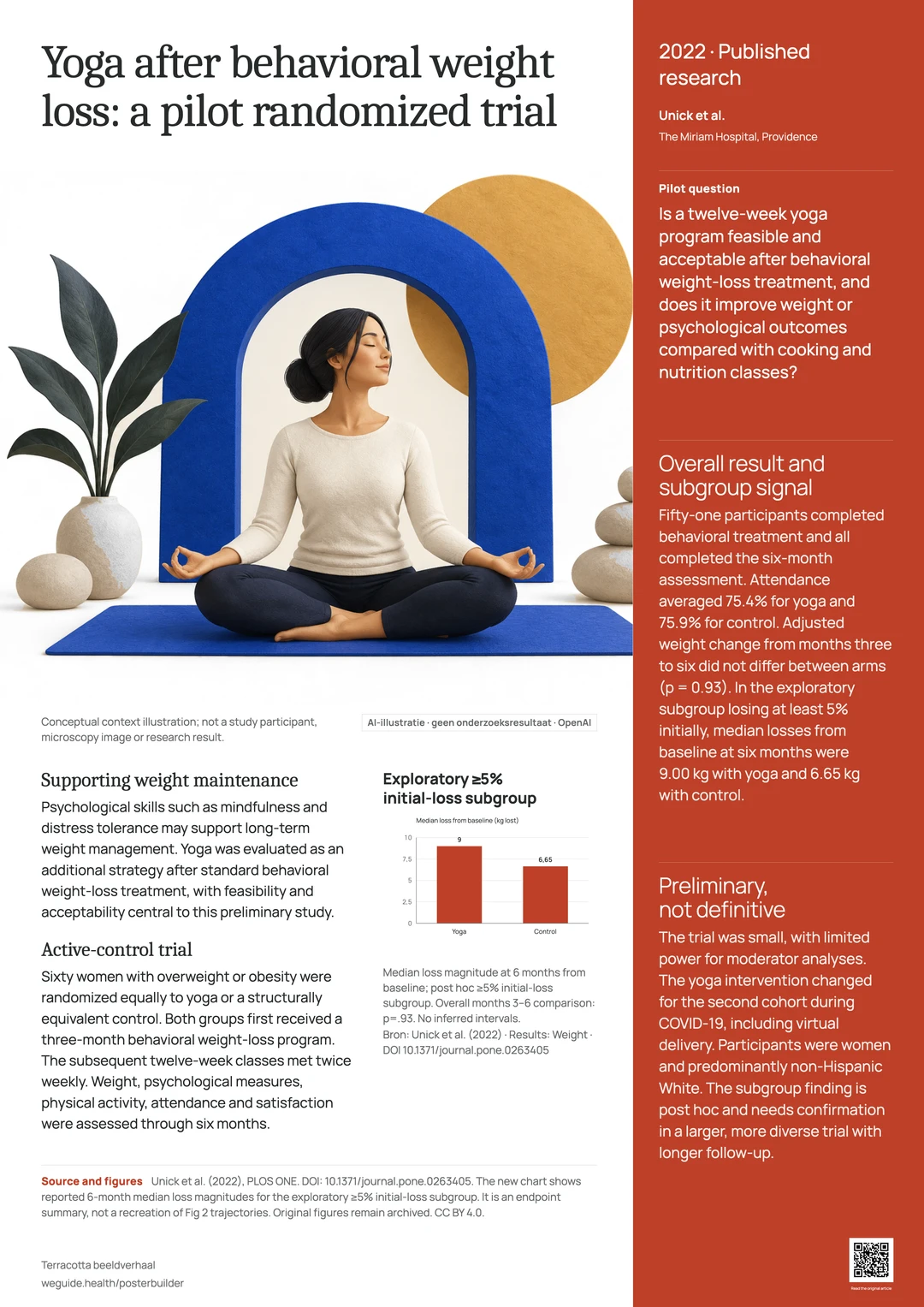
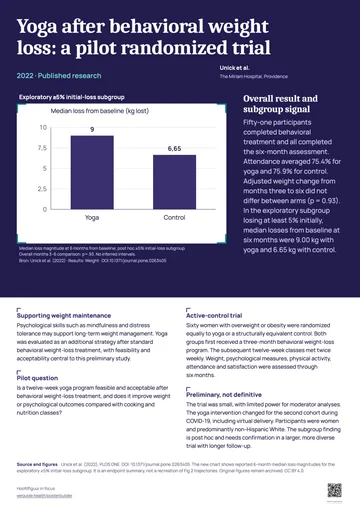
A preliminary investigation of yoga as an intervention approach for improving long-term weight loss: A randomized trial
Unick et al. · PLOS ONE · 2022
Research poster templates, filled with real research
From classic columns to one large figure. These examples are Posterbuilder renders of published open-access papers. In the app, every design fills with your own content.
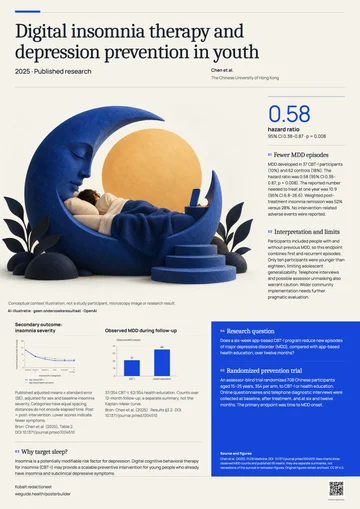
Cobalt editorial
Large serif title, main image, and a narrow evidence lane.
Example: Chen et al. 2025
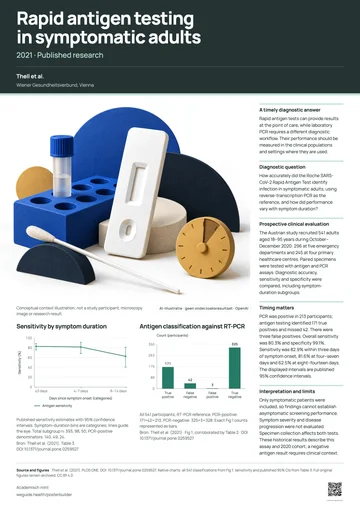
Academic mint
Compact method blocks above a wide band of results.
Example: Thell et al. 2021
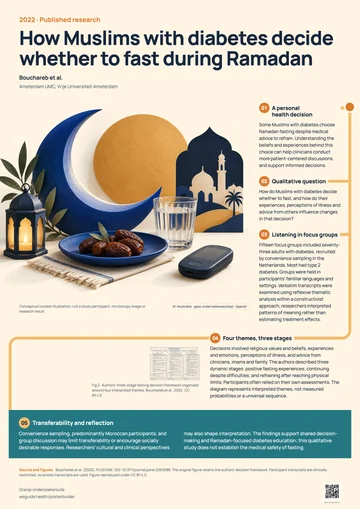
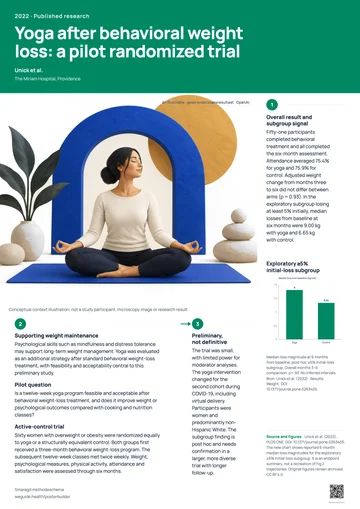
Orange research journey
Numbered steps that alternate image and text.
Example: Bouchareb et al. 2022
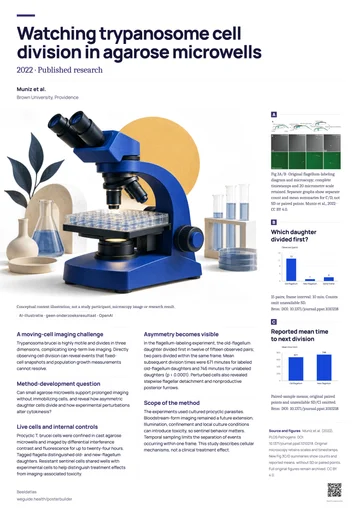
Image atlas
A grid of figures above three columns of text.
Example: Muniz et al. 2022
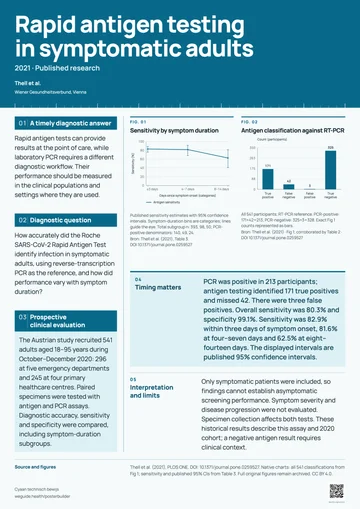
Cyan technical evidence
A protocol lane beside large stacked figures.
Example: Thell et al. 2021
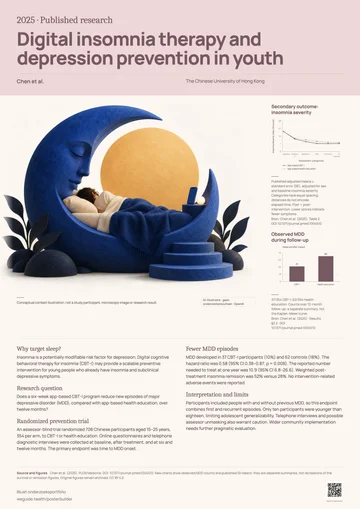
Blush research portfolio
A typographic title with two paired results.
Example: Chen et al. 2025
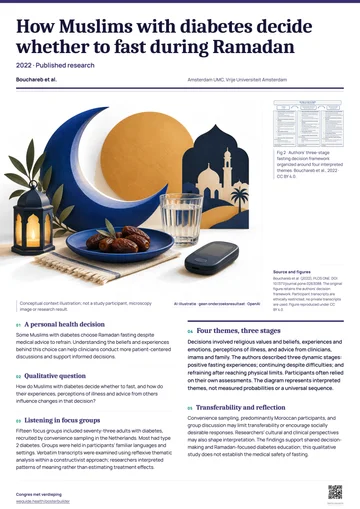
Conference in depth
Two text columns with the paper’s own figures.
Example: Bouchareb et al. 2022
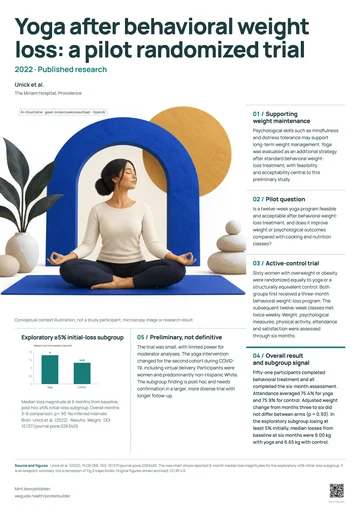
Mint evidence blocks
Six numbered panels in a clear reading order.
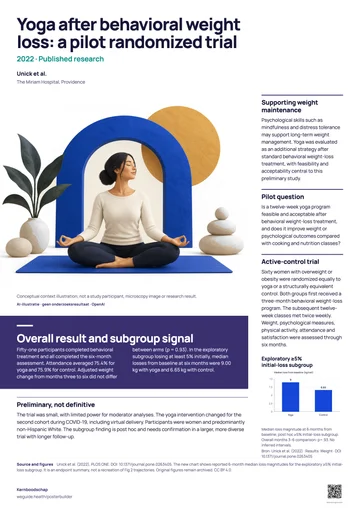
Example: Unick et al. 2022
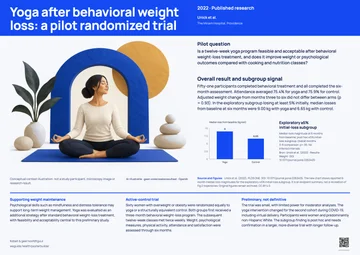
Cobalt & yellow key figure
A two-color title above one large figure.
Example: Unick et al. 2022
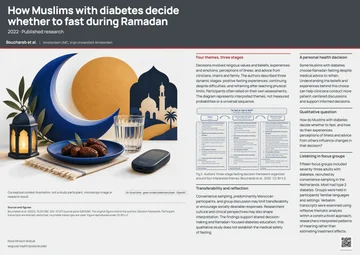
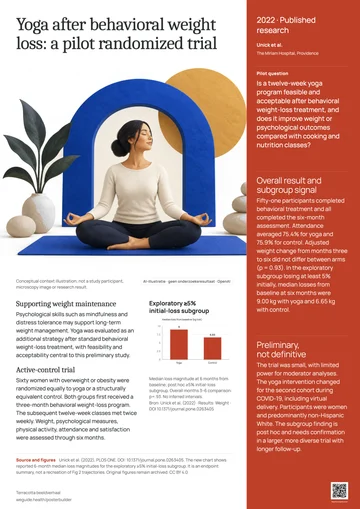
Red clinical triptych
Three columns: context, figures, findings.
Example: Bouchareb et al. 2022
Your figures stay as published. Your charts stay editable.
Posterbuilder takes the figures from your PDF without touching them. When a chart should match the poster, draw it again from the numbers; it never replaces the original until you say so.
- Original figures keep their pixels, proportions, and captions
- Charts from your own numbers follow the poster’s colors and fonts
- CSV and Excel files are read in your browser only, never uploaded
- You confirm a chart’s values before it can go into the PDF
- Figure 1 · Study flowOriginal
Used exactly as published, with its caption.
- Figure 2 · Outcome over timeRedrawn
An editable chart from a table in the paper. It replaces the figure only after you confirm the values.
- Figure 3 · Results by groupData needed
The numbers are not in the paper. Upload them from a CSV or Excel template.
- Bar chart
- Line with error bars
- Scatter plot
- Box plot
- Forest plot
A print-ready PDF at the real paper size
The PDF comes from the same poster you edit, at the size you picked. Before you send it to the print shop, Posterbuilder checks that everything fits and is large enough to read.
- Paper sizes
- A4, A3, A2, A1, and A0, portrait or landscape
- One page at the physical size, fonts embedded, text you can select, and links you can click
- Fit
- Text that overflows or images too small to read stop the export with a message. Nothing is cut off silently
- Design check
- Alignment, spacing, text hierarchy, text size on paper, and image resolution, measured without AI
- QR code
- On every poster, with a link and label you choose, drawn as a vector
- Credit
- A small weguide.health/posterbuilder line in the footer. No watermark over your content
A technical check doesn’t replace a proof print. Look at a test print before the conference.
Start without an account. Add AI when it helps.
Everything you need for a poster works without logging in. A free account adds the AI features and keeps your posters with you.
Without an account
Free
- Start from a link, a PDF, or pasted text
- Write the sections yourself
- All 23 designs, with suggestions that fit
- Edit on the poster, add figures and charts, and check the design
- Download the PDF; posters stay in this browser, with a backup file
With a free account
Free, with AI credit
- AI drafts the poster text from your paper
- AI fits your paper into the design you chose
- AI design advice on top of the local check
- Context illustrations, always labeled as AI
- Shorten or translate the poster text (Dutch and English)
- Your posters in your account, on any device
Log in with a code sent by email. Addresses at universities, academic medical centers, research institutes, pharma companies, and CROs get access right away; other addresses can request it. When your AI credit runs out, you can ask for more.
Do not use identifiable patient data (names, dates of birth, photos of recognizable people). Only when you start an AI action does your paper’s text go to our AI provider. Check every AI suggestion against your paper before you print.
Frequently asked questions
What is Posterbuilder?
A free web tool from WeGuide that turns a scientific paper into a research poster for a conference or a department wall. You bring the paper, choose a design, edit the poster, and download a PDF for printing.
Is it free?
Yes. Making, editing, and exporting posters is free and needs no account. The AI features need a free account; it comes with AI credit, and you can ask for more when it runs out.
Do I need an account?
Not to make, edit, or download a poster: without an account your posters are kept in your browser, and you can download a backup file. You log in only for the AI features and to keep posters in your account. You log in with a code sent by email. Addresses at universities, academic medical centers, research institutes, pharma companies, and CROs get access right away; other addresses can request it.
How do I make a research poster from my paper?
Paste a PubMed, PMC, or DOI link, upload the PDF, or paste the text. Check the figures Posterbuilder found, write the sections yourself or let AI draft them, pick a design that fits, edit on the poster, and download the PDF.
Which paper sizes can I print?
A4, A3, A2, A1, and A0, in portrait or landscape. The PDF is one page at that physical size, with selectable text and the fonts embedded. A technical check doesn’t replace a proof print: look at a test print before the conference.
Can I use the figures from my paper?
Yes. From a PDF, Posterbuilder finds figures with their captions and proposes them unchanged; each one stays unchecked until you have looked at it. A poster holds up to four images. Charts with numbers you provide can also be drawn as editable charts.
Will the AI make up results?
It is instructed not to: it uses only your paper, adds no data, citations, or conclusions, and leaves missing information out. You still check every section against the paper. When AI shortens your text, a number that does not appear in your original text is rejected.
What happens to my paper when I use AI?
Only when you start an AI action does your paper’s text go to our AI provider; for AI design advice, an image of the poster goes along. Without AI, nothing is sent to an AI provider. Do not use identifiable patient data (names, dates of birth, photos of recognizable people).
Where are my posters saved?
Without an account, in this browser only: other browsers and devices do not see them, and clearing browser data can remove them, so download a backup. With an account, in your account, stored in the EU, so you can open them on any device.
Is the editor in English?
Yes. The app is available in British and US English, Dutch, German, Spanish, and simplified Chinese; choose the language at the top right. The language on your poster is set separately under Poster language: English or Dutch. With a free account, AI can translate the poster text.
Is there a watermark?
There is no watermark over your content. The poster footer carries a small line with weguide.health/posterbuilder, and a QR code whose link and label you can set, for example to your article.
Can I add a QR code to my poster?
Yes, every poster has one. Set its link and label under Style › More options › QR code, for instance to your paper or your lab’s page. The code is drawn as a vector, so it stays sharp in the PDF.
Your next poster, from your own paper.
Free to make and download. No account until you want AI.
Make your poster