

.svg)
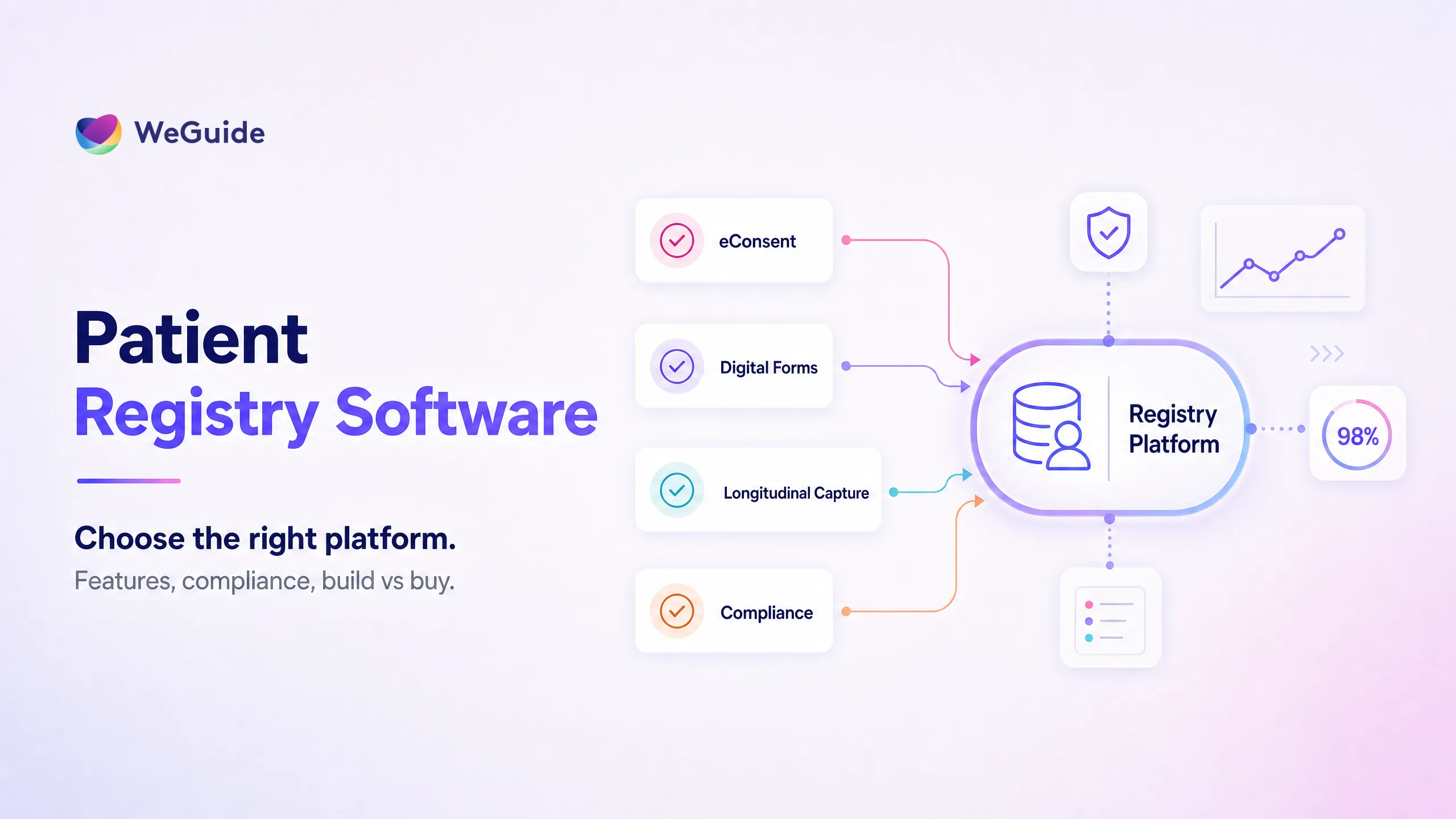


Patient registry software is the system used to build and run a patient or disease registry, from enrolling participants and capturing consent through to collecting structured data over time and reporting on it. Choosing the right one comes down to a few decisions about features, build versus buy, compliance, and the vendor behind the product. This guide works through each one so you can shortlist with confidence rather than guesswork.
A registry is a long lived asset. The software you pick will hold years of participant data, so a poor choice is costly to unwind later. The good news is that the patient registry software market has matured, and you do not need the largest or most expensive platform to run a credible registry. You need the right fit for your condition, your participants, and the questions you want to answer.
If you are still weighing whether a registry is the right model at all, start with our explainer on what is a patient registry. This article assumes that call is made and you are now comparing options. WeGuide builds registries on a participant facing platform, so where it helps we point to WeGuide's patient registry platform as one example of how the pieces fit, not as the only answer.
Key Takeaways
- Start with your registry's purpose, not a feature list. Decide which condition, population, and research questions the registry serves first, then judge each product against that brief.
- Five features carry most of the weight. Consent, flexible data capture, longitudinal follow up, integrations, and analytics are what separate a real registry platform from a generic database.
- Build versus buy is mostly about time, cost, and upkeep. Building gives full control but adds ongoing maintenance, while buying gets you running faster on a maintained product.
- Compliance is a baseline, not a selling point. GDPR, HIPAA, 21 CFR Part 11, and TGA expectations should be met by any serious option, so use them to screen out rather than to choose.
- The vendor matters as much as the software. Data ownership, support, and the exit path decide how the registry holds up over the years it will run.
What to Look for in Patient Registry Software
The best patient registry software fits the purpose of your registry first and impresses on features second. Before you compare products, write down what the registry is for: which condition or population, which questions it must answer, who will enter the data, and how many years it needs to run. Then score each option against that short brief rather than against a glossy feature grid.
With that brief in hand, a few qualities matter more than the rest. The first is participant experience, because a registry only works if people enrol and keep coming back. The second is data quality, since a registry of messy or incomplete records is hard to trust. The third is flexibility, because your forms and follow up schedule will change as the research evolves.
Two more often get overlooked. One is data ownership, meaning who holds the data and how easily you can export it if you ever move. The other is total cost across the life of the registry, not just the first year, including setup, support, and any per participant fees that climb once a registry grows into thousands of participants.
It helps to picture the registry five years on. If it is unclear whether the software would still suit a larger cohort, new questionnaires, and a shifted follow up schedule, probe that before you commit, because migrating a live registry to new patient registry software is one of the harder jobs in clinical research.
Core Features That Matter in a Patient Registry Platform
Most products will claim a long list of capabilities. In practice, five features do the heavy lifting, and they are the ones worth testing in a demo rather than taking on trust. These are the patient registry platform features that decide whether your registry collects clean, usable data or becomes a chore for both your team and your participants.
The first is eConsent. A registry often enrols people remotely and follows them for years, so electronic informed consent needs to handle plain language explanations, version control as the protocol changes, and a clear audit trail of who agreed to what and when. Paper consent rarely scales to a registry that recruits across sites or countries.
The second is digital forms and electronic case report forms, or eCRFs. Your registry stands or falls on the questions it asks, so you want to build and edit forms without waiting on a developer for every change. WeGuide handles this through a no code digital form builder, which lets a research team adjust questionnaires, add conditional logic, and reuse validated instruments as the registry grows.
The third is longitudinal data capture. Registries are defined by follow up over time, so the software needs to schedule repeat assessments, send reminders, and link each new record back to the same participant cleanly. This is also what makes a registry a strong source of patient registries and real world evidence, since long run, real world follow up is exactly what regulators and researchers value.
The fourth is integrations. A registry rarely lives alone. You may need to connect to electronic health records, wearables, lab systems, or an existing data warehouse, so it pays to confirm what the platform can connect to and how. The fifth is analytics and reporting, which turns raw records into something your team and your funders can actually read, from enrolment dashboards to data exports for statistical work.
| Feature | Why it matters | What to ask a vendor |
|---|---|---|
| eConsent | Remote enrolment and long follow up need versioned, audited digital consent | Can consent be versioned, multilingual, and fully audited? |
| Digital forms and eCRF | Your questions change over time, so forms must be editable without developers | Can our team build and edit forms without code? |
| Longitudinal capture | Repeat visits and reminders are what make a registry, not a one off survey | How are repeat assessments scheduled and linked to a participant? |
| Integrations | Registries connect to records, wearables, labs, and warehouses | What systems do you connect to, and how is data exported? |
| Analytics and reporting | Teams and funders need readable dashboards and clean exports | Can we self serve reports and export raw data anytime? |
| Participant experience | Enrolment and retention decide whether the registry has any data at all | What does the participant app look like on a phone? |
| Security and compliance | Health data carries strict legal duties across regions | Which standards do you meet, and can you evidence them? |
A useful test is to ask for a live walk through of each feature with your own use case in mind, since how a vendor handles that says a lot about how the product will feel day to day.
Build your registry on a platform made for it
WeGuide brings eConsent, digital forms, and longitudinal capture into one participant app, so your registry data stays clean and ready to use from the first enrolment.
Patient Registry Software: Build vs Buy
Once you know what you need, the next fork is whether to build a registry yourself or buy patient registry software from a vendor. Both are valid, and the right answer depends on your timeline, your budget, and how much you want to own the upkeep.
Building in house gives you full control. You can shape every field, host the data wherever you like, and avoid licence fees. The trade off is recurring. You take on development, security, validation, hosting, and support, and you keep paying that cost for as long as the registry runs. Many teams underestimate the maintenance, because a registry is never finished. It needs patches, new forms, and help when a participant cannot log in late on a Friday night.
Buying a ready made platform flips the balance. You get to a working registry faster, the vendor maintains the security and the updates, and you draw on patterns proven across other studies. The cost is less control over the underlying build and a dependence on the vendor, which is exactly why the contract and the exit terms matter so much. A good middle path is a configurable platform that you set up yourself without writing code, which gives much of the flexibility of building without the maintenance load.
WeGuide has built registries this way for rare disease and large cohort research, including a registry with the FSHD Global Foundation and the GenV population cohort. The lesson from that work is that a configurable, participant facing platform lets a research team own the design of the registry while the heavy engineering and compliance work sits with the vendor. That split is what keeps a small team able to run a registry that would otherwise need a software department, and it is why most teams should build only for a genuinely unusual requirement and buy for everything else.
Compliance and Data Security
A registry holds sensitive health data, often for years, so compliance and security are not optional extras. They are the floor any serious option must clear. The practical move is to treat them as a screen. Rule out anything that cannot meet the standards that apply to you, then make your real choice on features and fit.
The standards depend on where your participants live and how the data will be used. In the United States, HIPAA governs how protected health information is stored and shared. In Europe and the United Kingdom, the GDPR sets rules for consent, data minimisation, and a participant's right to access or erase their records. If the registry data may support a regulated submission, 21 CFR Part 11 expectations for electronic records, signatures, and audit trails apply. In Australia, software that meets the definition of a medical device falls under TGA oversight.
Beyond the named regulations, look for the security basics done properly: encryption of data in transit and at rest, role based access, complete audit trails, and clear data residency options. Ask where the data is hosted and who can reach it, because a registry that spans countries can run into rules about where records may physically sit.
It helps to read the standards designed for registries rather than rely on vendor marketing. The AHRQ handbook Registries for Evaluating Patient Outcomes: A User's Guide is the reference text on registry design, data quality, and governance. In Europe, the EMA's work on patient registries sets out how registry data is assessed when it feeds regulatory decisions. Both are useful checklists when you weigh how a vendor talks about compliance.
One honest note on language. Software can support compliant data collection, but compliance is a shared duty. The platform provides the controls, while your team owns consent, governance, and data handling. WeGuide is TGA Class I certified medical device software and supports the secure, documented capture a registry needs, while the sponsor or institution remains responsible for ethics approval and regulatory strategy.
Questions to Ask a Patient Registry Vendor
By the time you reach a shortlist, product differences get subtle, and the way to surface them is to ask direct questions. Good patient registry vendors answer plainly, and vague or evasive answers are themselves an answer.
On the product, ask: can our own team build and edit forms without code, how does consent handle versioning and multiple languages, and how does the platform schedule and link follow up over years? Ask to see the participant app on a phone, because that is what your enrolees will actually use.
On data, ask: who owns the data, how do we export everything if we leave, and what format does the export take? Ask where the data is hosted and which compliance standards the vendor can evidence rather than simply claim. A confident vendor will share documentation, not just a reassurance.
On cost and support, ask: what is the full cost across five years including setup, support, and any per participant charges, what is included in support and what costs extra, and what happens to the registry if the company is acquired or shuts down. The last question feels awkward, but a registry can outlast a vendor, so the exit path is part of the decision.
Finally, ask for a reference from a registry similar to yours in size and condition. The best patient registry software for a small rare disease cohort is not always the best for a national population study, so a relevant reference tells you more than a feature list ever will.
Frequently Asked Questions
What is patient registry software?
Patient registry software is the system used to build and run a patient or disease registry. It handles enrolment, electronic consent, structured data capture, and follow up over time, then turns those records into reports. It is what lets a research team collect consistent, long run data on a defined group of patients.
How much does patient registry software cost?
Cost varies widely with the size of the registry, the features you need, and whether you build or buy. Pricing models include annual licences, per participant fees, and setup charges. The honest figure is the total across the registry's life, since support and growth costs often outweigh the first year licence.
What is the difference between patient registry software and an EDC system?
An EDC system is built to capture data within a single clinical trial, often over a fixed period. Patient registry software is built for long run, real world follow up of a patient population, sometimes across many years and studies. The two overlap on data capture but differ in purpose, duration, and consent.
Should we build or buy patient registry software?
Build only if you have an unusual requirement, a long timeline, and the engineering capacity to maintain the system for years. For most teams, a configurable platform you set up without code reaches a working registry faster and at a more predictable cost, with the vendor carrying security and updates.
What compliance standards should patient registry software meet?
It depends on where your participants are and how the data is used. Common standards are HIPAA in the United States, GDPR in Europe and the United Kingdom, 21 CFR Part 11 for records that support regulated submissions, and TGA oversight in Australia for medical device software. Treat these as a screen.
How do I evaluate patient registry vendors?
Score patient registry vendors on product fit, data ownership, compliance evidence, support, and total cost across five years. Ask for a live demo using your own use case, request a reference from a similar registry, and confirm how you would export your data if you ever decided to leave.
Conclusion
Choosing patient registry software is less about finding the most powerful product and more about finding the right fit for the registry you actually plan to run. Start from purpose, weigh the five features that carry the load, decide build versus buy on cost and upkeep, use compliance as a screen, and ask vendors the direct questions that separate a real partner from a sales pitch.
Do that work upfront and the choice gets clearer, because a registry runs for years and the early decisions follow you the whole way. WeGuide is the participant facing platform that brings consent, digital forms, longitudinal capture, and reporting together, so the registry data lands clean and stays usable from the first enrolment to the long run analysis.
Ready to compare patient registry software?
Walk through your registry goals with our team and see how WeGuide supports consent, data capture, and reporting in one place.
Book a demoNo pressure, just a conversation.

